

Skip to content

Ekse Bilisim & Software

Logo GO Wings

A hybrid Logo solution for SMEs, used from the desktop and a web browser.

Logo GO Wings is the solution Logo describes for small and medium-sized businesses. Work from the order through to accounting can be followed in one product. Logo’s published price list defines it as hybrid: desktop and web browser.

The same list names the main-package headings. Options, extra users and e-document products are separate. The current limit and price are confirmed in a quote. This page has no price.

Usage narrative

How teams use it

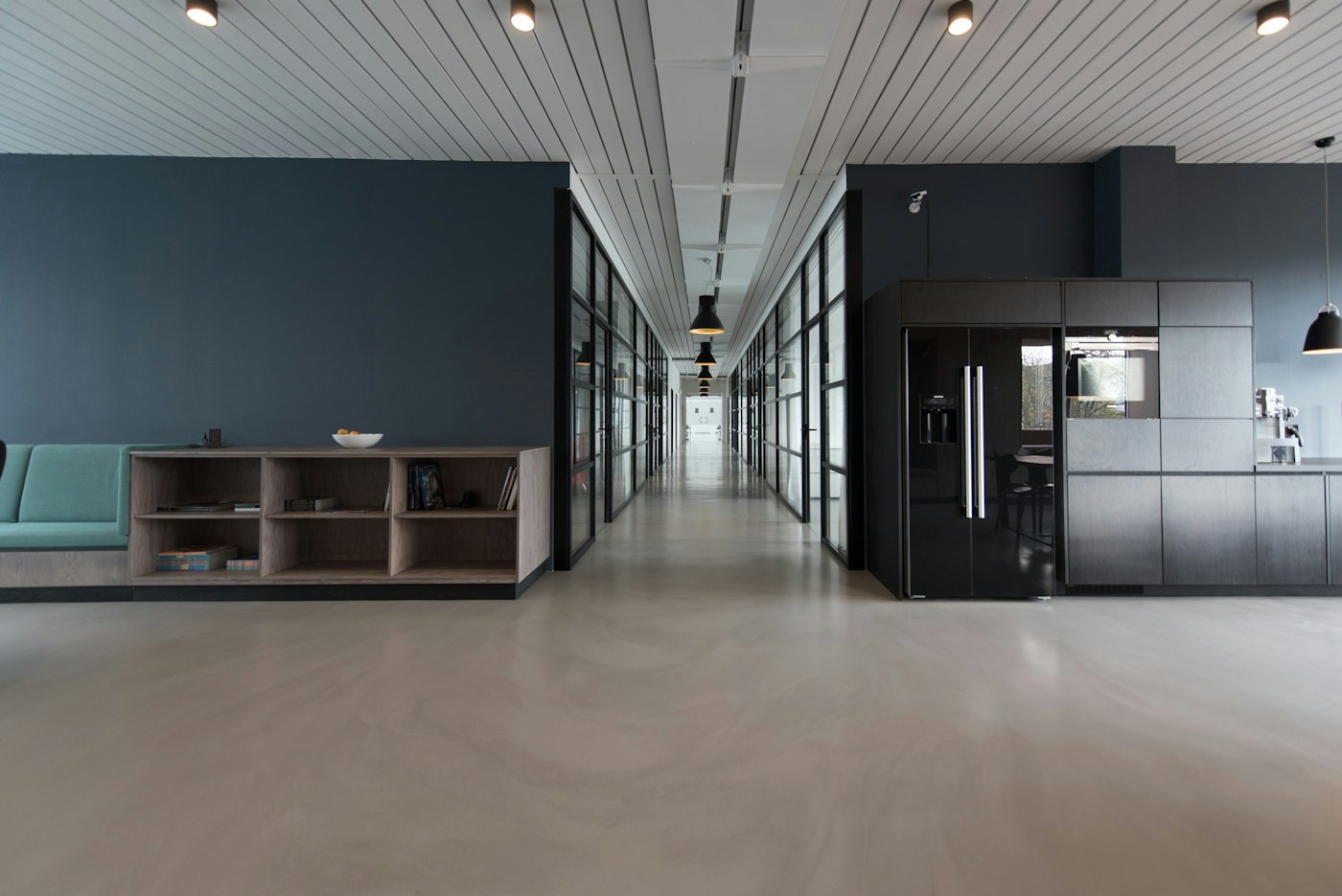
Sample image: modern office environment (demo)
01

Stock and orders

The main package lists dispatch, orders, costing, dynamic units and equivalent-goods tracking.

Sample image: digital workstation desk (demo)
02

Accounting and invoices

Accounting, fixed assets and invoices are listed as part of the main package.

Who it suits

Order to accounting

SME teams that do not want stock, sales and accounting in separate tools.

Hybrid use

Businesses that want the same product on the desktop and in a browser.

Package choice

People who want to read the main package and ask about options separately.

Highlighted capabilities

Stock and orders

The main package lists dispatch, orders, costing, dynamic units and equivalent-goods tracking.

Accounting and invoices

Accounting, fixed assets and invoices are listed as part of the main package.

Accounts, bank and cash

Current accounts, payment plans, cheques and notes, instalments, cards, bank and cash appear on the same list.

Rates and reports

Exchange rates, inflation accounting, extra tax, table and pivot reports, a task scheduler and a manager console are named in the main package.

What it changes for the business

01

One record set

Stock movement and the accounting record stay in the same product family.

02

Place

The hybrid design keeps browser work and desktop work under one product.

03

Chosen scope

Separating the main package from options avoids treating an unbought module as installed.

Software capabilities

Stock and trade records

Orders, dispatch notes, costing and current-account movement stay in the product family Logo names in its main-package list.

Accounting and finance

Accounting, fixed assets, invoices, bank, cash and cheques appear together in the package definition. Scope is confirmed in the quote.

Hybrid access

Logo’s price list defines the solution as hybrid use from the desktop and a web browser.

Reports and control

Table and pivot reports, a task scheduler and a manager console are counted in the main package. Detail is settled in the quote.

Integration options

e-document split

e-invoice, e-ledger and e-dispatch are not written as part of the main package. They are separate products or options in the quote.

Extra users

Additional users and company limits appear as options on Logo’s list and are confirmed in writing before installation.

Bank and payments

Bank integration and payment plans are named in the package list. The bank to connect is named in the quote.

Existing data

When stock or account cards must move from older software, the migration scope is a separate line.

Where it is used

  1. 01

    Commercial day

    When orders, dispatch notes and invoices need to be read on the same day.

  2. 02

    Cash and bank

    When collections, cheques and bank movements are discussed together.

  3. 03

    Manager summary

    When a period summary is wanted from table and pivot reports.

Delivery

Setup and support

  1. Listening

    Stock, sales, accounting and e-document expectations are heard separately. The main package is not mixed with options.

  2. Writing the package

    The main package, options and e-products are listed in a written quote. There is no price on this page.

  3. Installation plan

    User count, hybrid access and data migration are tied to an installation schedule.

  4. Handover and support

    Support scope for the opened installation is handed over in writing. Duration is not published here.

Sales

The sales conversation separates the main package from options. Ekse does not claim a Logo reseller authorisation.

Support

Support after installation follows the written scope. Duration and response window are not fixed on this page.

Request a quote

Send the scope with this form. Price and package limits are settled in a written quote.

Ekse Bilisim & Software

Request a Logo GO Wings quote

Send the scope with this form. Price and package limits are settled in a written quote.

Frequently asked questions

Where is it used?

Logo’s price list defines the solution as hybrid, from the desktop and a web browser.

Is every module in the main package?

No. e-document products and extra users are listed separately and confirmed in the quote.

Is the price on this page?

No. The current fee belongs in a written quote.

How is GO Wings different from Start 3?

GO Wings is Logo’s hybrid SME solution. Start 3 is the one-user pre-accounting product for micro businesses. The choice is settled in the quote.

Is a separate licence needed for the browser?

Hybrid use is defined on Logo’s list. The current package and limits are confirmed in a written quote.

Are foreign-currency operations supported?

Exchange-rate tracking is named in the main package. The business volume in foreign currency is heard in the quote conversation.

Is inflation accounting included?

Inflation accounting appears on Logo’s main-package list. Package fit with the rules is confirmed in the quote.

Does Ekse install on its own?

Installation and support follow a written scope. Ekse does not claim Logo reseller authorisation. Official application steps stay with the relevant institution.

Related articles

No published article matches this product name. Knowledge Center